










Choose the help you need
Reference only: these buttons do not change game bindings, pause the story, or save progress.
Desktop controls
Click inside the loaded frame. Use WASD to move, the mouse to look, Space to jump, and E to interact. Test one action at a time; current on-screen instructions take priority.
Notice the ordinary before it becomes strange
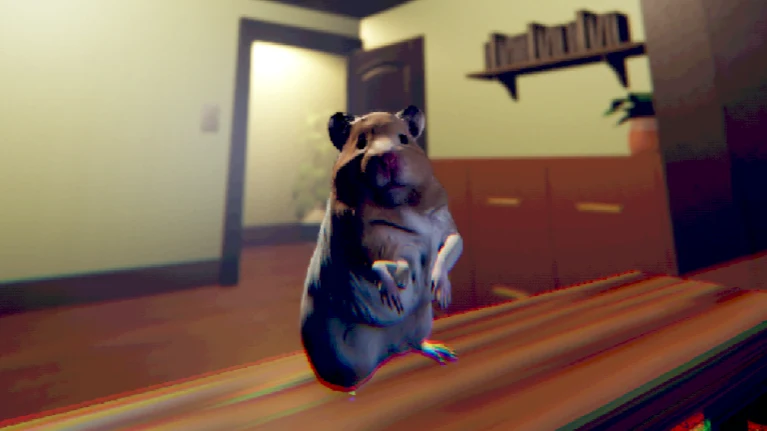
You Are Hamster offers Survive Min readers a short horror story with a very different point of view. Instead of entering a conversation with a familiar person, you occupy the role of a small animal in an owner's room. SeenThai mixes unease with absurd humor, so the experience should not be approached as a straightforward pet-care routine.
The opening premise is enough to begin: the hamster becomes aware of something the owner cannot see. This guide deliberately leaves the later interpretation open. It does not turn that premise into an invented relationship route, a list of secret endings, or a promise that choosing the right response will protect everyone.
If you enjoy noticing how a comfortable setting becomes uncomfortable, the game fits that interest. If you prefer long dialogue branches or a clearly documented save system, its short session and movement-based controls require different expectations. The surrounding website is a guide, not a continuation of Survive Min's own story.
Make room for a short uninterrupted visit
A brief game still benefits from a little preparation. Choose a moment when you can pay attention without constantly switching applications. Lower or raise the sound before beginning, and close unrelated media that could mask the game's own audio or make the first scene harder to understand.
The creator describes the original as approximately ten minutes long and without pause or save features. The estimate is not a countdown and does not account for every browser's loading time. Leave yourself room to learn the controls rather than treating the description as an appointment that must end at an exact minute.
If an interruption becomes unavoidable, you can leave. Just do not assume that changing tabs creates a checkpoint. This page cannot preserve the embedded game's state, and its control reference does not quietly record your progress. Returning may mean starting another attempt.
Find the boundary between page and game
The website and the game are two different interfaces. The Play button opens the external browser edition inside the frame. The navigation above it still belongs to this website. Clicking a menu, reading a section, or pausing a reference video does not send the same command into the game.
When the scene is visible, click inside it before testing the keyboard. A browser can keep focus on the last link you used, which makes working controls appear unresponsive. Release held keys, refocus, and make a short test movement before deciding that the character is stuck.
Fullscreen can reduce surrounding distractions, but it is optional. If the browser rejects the request, continue in the frame or use the direct link. That link opens a separate game document, so it should not be treated as a way of moving your current session safely to a new tab.
Use simple inputs with deliberate timing
The published desktop controls are WASD for movement, Space for jumping, and E for interaction. Mouse looking is described by the browser host. Learn the action and its result together: press briefly, observe, and only then add a second action. This keeps an unfamiliar scene from becoming a collection of unexplained movements.
A first attempt does not need the fastest possible response. If you are unsure what an object is asking, look for the current prompt before repeatedly pressing a key. General browser focus problems and a genuinely unavailable interaction can look similar until you separate them with a simple test.
The input selector below is an informational tool. Choosing Desktop, Touch, or Browser help changes the advice on this page, not the game's controls. It does not grant movement abilities, activate a mobile mode, or prove that every supported-looking device will run the complete experience.
Look at the reference pictures without making a map
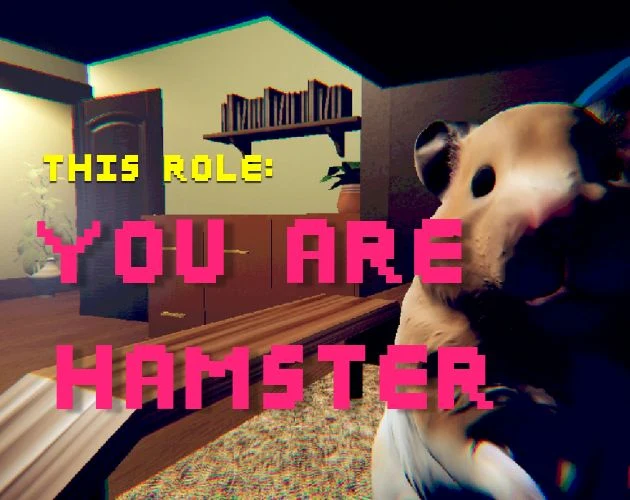
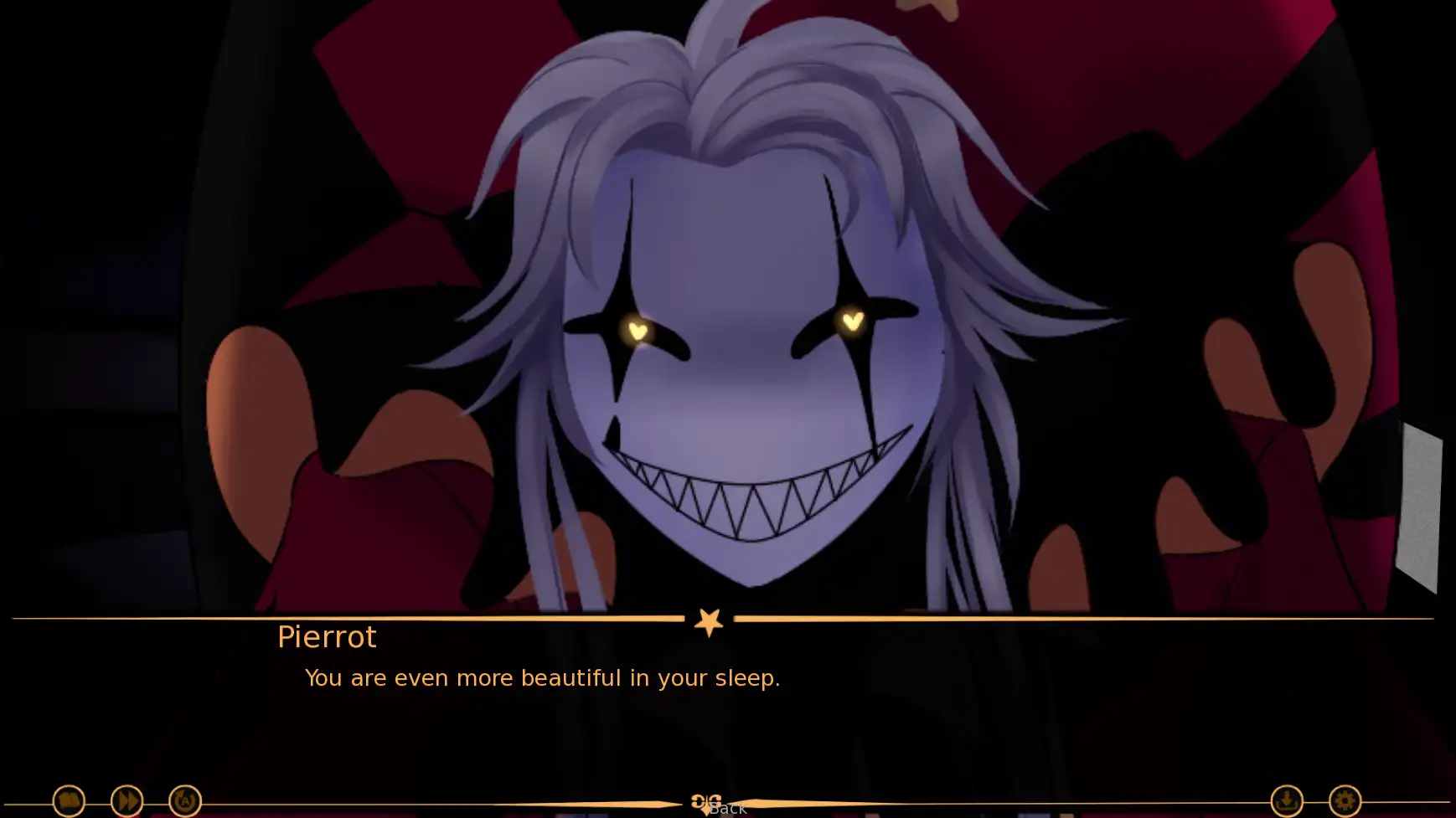
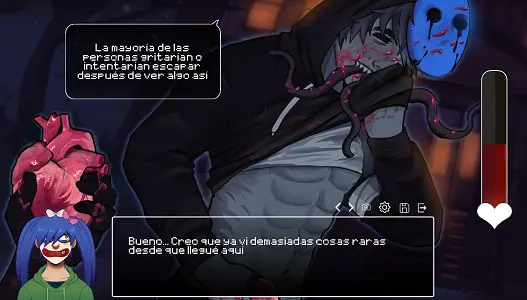
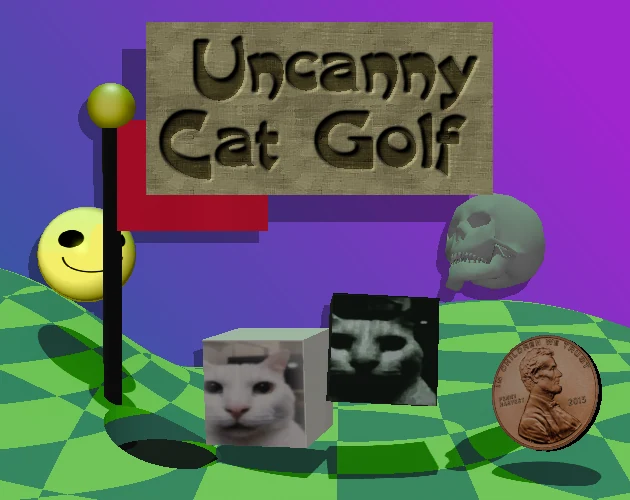
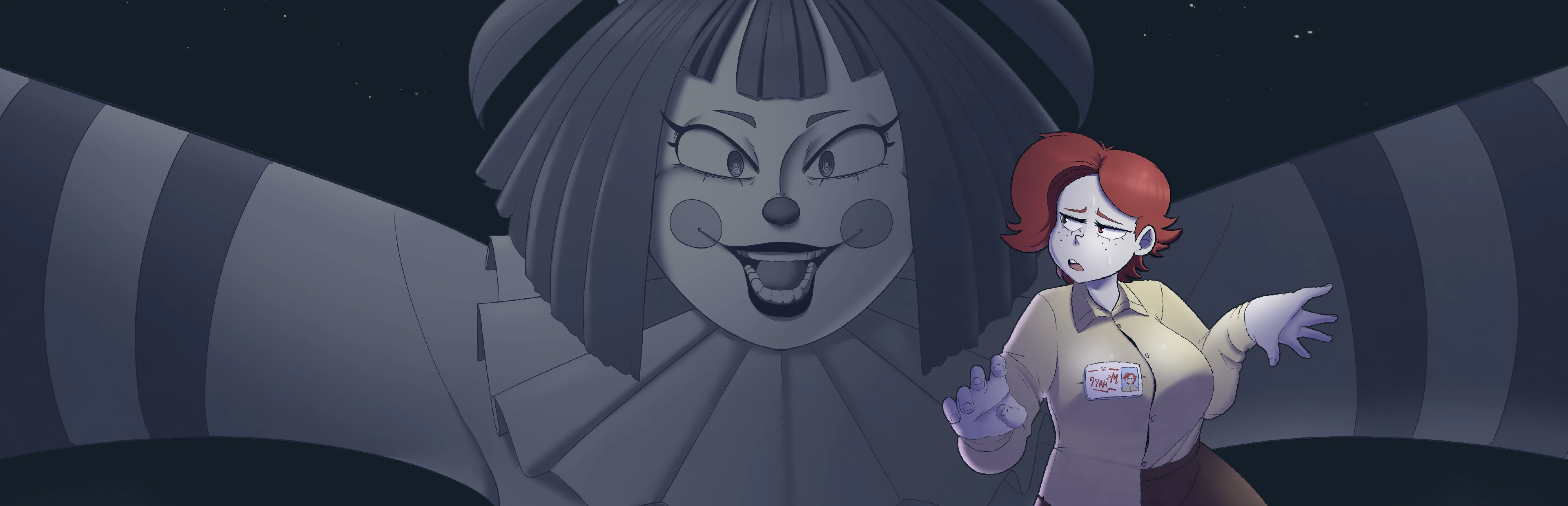
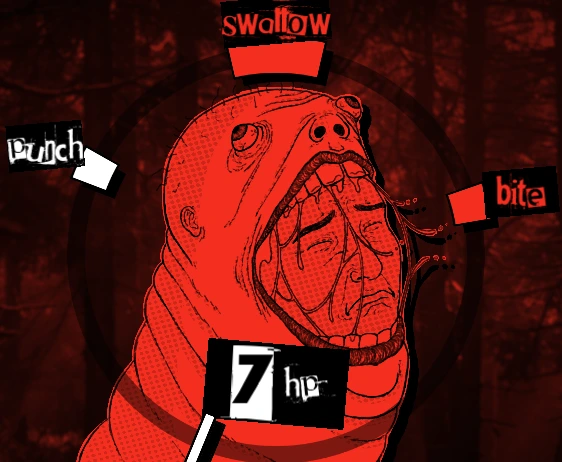
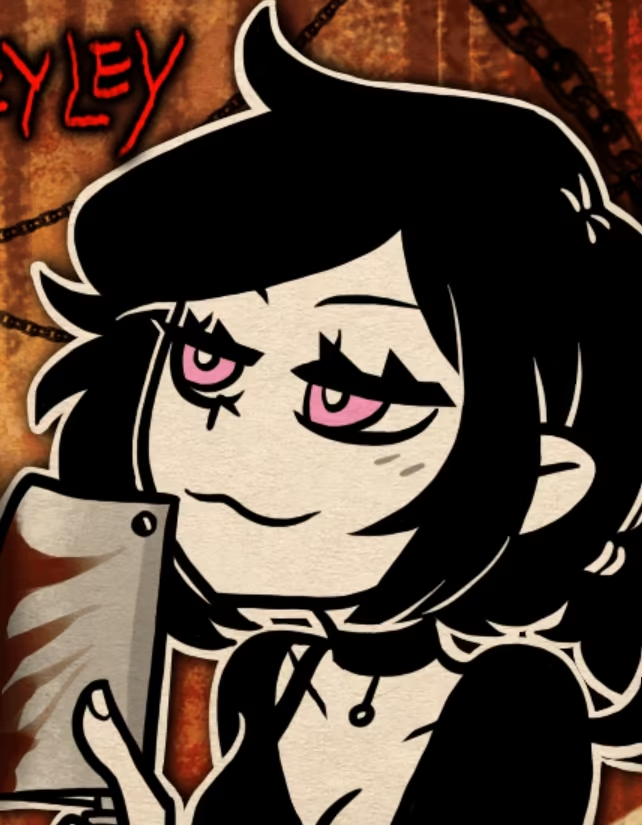
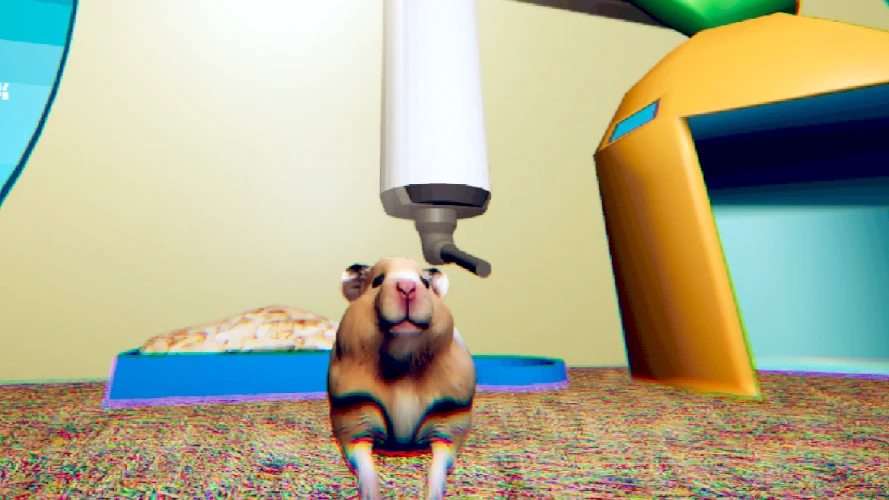
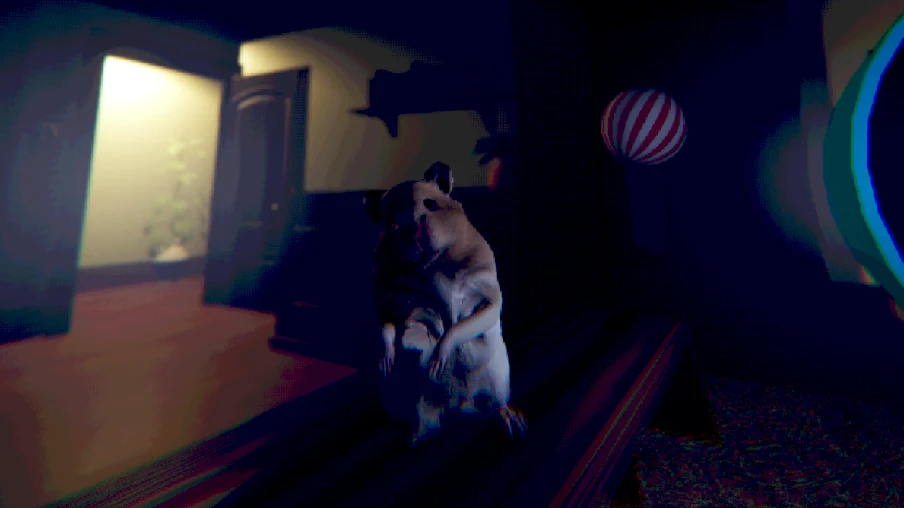
The author's artwork establishes a room, a cage, and the small scale of the protagonist. These are helpful visual anchors for a first-time reader. They can tell you what kind of presentation to expect without explaining what a particular moment in your own run means.
Pick one stable object when orienting yourself. If you turn away and feel lost, try recognizing that object again instead of moving randomly. A door or shelf is useful for describing position even if the game never asks you to interact with it. This is practical observation, not a claim about a required puzzle.
The images are source material, not screenshots captured during a test of your device. Their lighting, framing, and scene state may differ from the frame you are playing. Avoid following a picture as though it guarantees an exact starting camera or a fixed next event.
Protect the surprise without ignoring discomfort
The unusual animal role can make a scene funny and unsettling at the same time. It is fine to appreciate the joke without concluding that the game is intended for every audience. Horror can involve sudden changes or disturbing situations even when its protagonist is cute.
For a first run, consider leaving the video section closed. A short experience can reveal a substantial amount in a few seconds of footage. If you want help without a full preview, first use the control notes and browser troubleshooting, which address common obstacles without interpreting later events.
You do not owe the game a completed run. If the tone or presentation becomes unpleasant, stop. This page avoids ranking your reactions or presenting endurance as an achievement. The useful choice is the one that lets you enjoy the kind of story you actually wanted to try.
Read a stalled moment before restarting
When nothing seems to happen, first describe the problem accurately. Is the host still loading, is the scene moving but ignoring input, or is the character responding while you do not know the next action? Those are separate questions with different first checks.
For an input problem, refocus the frame. For uncertainty about an interaction, check your position and visible instructions. For a loading problem, retain the exact message rather than refreshing so quickly that it disappears. One small test at a time produces better information than changing several settings together.
A restart is useful only when you are ready to lose the current attempt. Do not clear browser storage or install unfamiliar utilities as a first response to a blank frame. This site cannot repair the external host, and a successful page load is not proof that the hosted game has initialized.
Let videos answer a question, not dictate a run
Both embedded videos are optional third-party references. They may contain later scenes and may show a different presentation from the browser host. Treat their presence as a choice to consult footage, not as a requirement for understanding the basic controls.
Before viewing, decide what you need to learn. A narrow question about where a player is looking is more useful than a vague request to see everything. Pause after the relevant moment, return to your own scene, and compare only what is visibly similar. Do not import assumptions from parts you have not reached.
Remember that the video pause button affects YouTube alone. It does not freeze another iframe. If you need a lengthy explanation during a live attempt, the original's lack of pause means that restarting later may be more realistic than expecting the guide to hold the game for you.
Leave with a clear account of what happened
After the session, distinguish your observations from your interpretation. You may know which input worked, which object helped you orient yourself, and which moment changed the mood. You may still be uncertain about the larger meaning of the story, and that uncertainty does not require inventing a hidden route.
If reporting a problem, include your device type, browser, the visible scene, and the action that failed. Describe a message exactly when possible. Do not send passwords or private account details; none are needed to explain whether the game loaded or accepted a jump input.
The shared cards below the player offer other experiences, each with its own controls and content guidance. Moving to another game does not transfer progress. Return to You Are Hamster when you want another short visit to this particular strange room, rather than expecting a persistent collection of pet-care tasks.
Choose a useful stopping point for the guide
Reading every section before playing is not necessary. If the frame loads, the controls respond, and you understand the session limits, you already have enough preparation to try the opening. More explanation is only useful when it answers a question you actually have.
A practical reading order is to check the input panel first, then return to the session advice if you expect an interruption. Use the troubleshooting section for a technical failure and the videos for a specific visual uncertainty. This keeps the guide from becoming a second story that competes with the one inside the frame.
If you notice yourself guessing at a hidden requirement, ask what evidence supports it. A remembered comment, a screenshot, and a live prompt are not interchangeable. The first may be opinion, the second a reference scene, and the third a current instruction. You can enjoy the mystery while still being careful about which kind of information guides your next input.
After playing, you may want to revisit an image or a video to compare impressions. That is a different purpose from using footage to get past an obstacle. Give yourself permission to leave the comparison unfinished; the page does not present an interpretation quiz or a required collection of observations.
The most helpful result is a session you can describe clearly: what you tried, what responded, and what remains uncertain. That account is more reliable than claiming that every unusual moment proves a hidden branch or that a single browser success proves universal compatibility.
You Are Hamster video references
Optional third-party footage. Later scenes and differences from this browser edition may appear.
Questions before playing
Does this game use conversation routes like Survive Min?
That is not established. It is a separate short horror comedy with direct movement and interaction.
Is the cute protagonist a content guarantee?
No. The author describes horror alongside comedy; choose your own comfort level.
Can I pause by switching tabs?
Do not rely on that. The original has no pause feature, and background-tab behavior varies.
Where should I start without spoilers?
Read the basic inputs, focus the frame, and leave the optional videos closed until you need them.
Is the guide a progress tracker?
No. Its reference tabs have no access to game state or saves.
Why does the direct link start differently?
It opens another document rather than transferring the existing iframe session.
Are author pictures browser test results?
No. They illustrate the source game and do not certify device or edition behavior.
What should a bug report include?
The browser, device, visible scene or error, and the specific action that failed; no passwords are needed.
Original game and reference artwork by SeenThai. The Windows original and supplied browser host are distinct presentations. This guide does not claim an officially supported mobile release.