The Choicer Voicer gameplay video 1
A supplied video showing the voice-driven game-show presentation and performance flow.
Play The Choicer Voicer Online












Video
A supplied video showing the voice-driven game-show presentation and performance flow.
A supplied video showing the voice-driven game-show presentation and performance flow.
Home
Jump to the play area, read the introduction, and open the FAQ for this horror visual novel page.
The Choicer Voicer creates tension through the session depending on browser and system microphone access before confidence or comic timing can matter. It is not horror, yet the microphone produces a recognizable kind of vulnerability: the room becomes quiet, a prompt finishes, and somebody must decide whether to imitate timidly or commit to a voice. The screen can supply a host, judges, stage, and score, but it cannot provide confidence on the player's behalf. That gap is where the comedy lives. A performance becomes memorable when the player chooses an intention and lets the line carry it rather than hiding behind volume or speed.
A calm first-round response is to confirm that the input responds to normal speech. Use the mouse to prepare the mode and content, then approve microphone access when the browser asks. Verify the selected input with an ordinary sentence before loading the complete session. Listen once without speaking and separate the prompt into words, rhythm, pitch direction, pauses, emphasis, and attitude. Choose two cues, perform at a comfortable distance, and breathe before reviewing the result. On the next take, alter one cue only. This keeps the round readable and protects the throat from panic-driven shouting.
When a take fails, preserve the parts that felt controlled and investigate the first point where the signal or intention disappeared. This Survive Min edition values recovery over embarrassment. The developer describes the project as early access with limited built-in content and known microphone compatibility reports, so silence or an odd result may belong to the audio chain. Test before a group arrives, use pack recordings you are entitled to use, and gain consent around captured voices. Local multiplayer and streamer features are available concepts, but the developer states that online multiplayer does not currently exist.
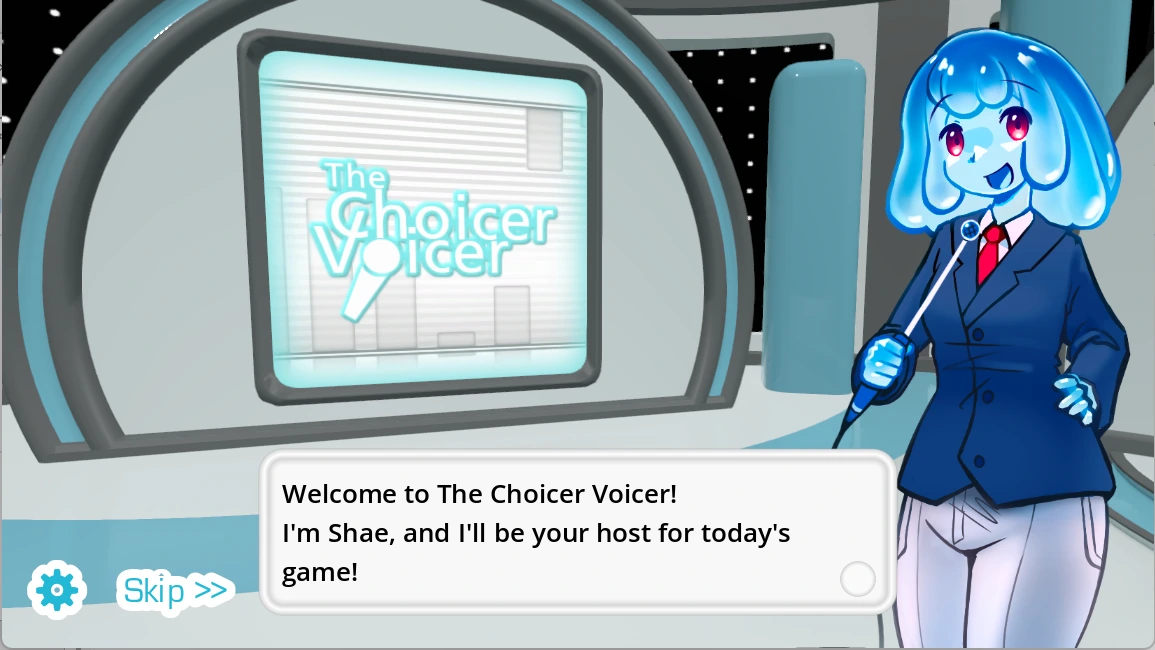
The game-show studio creates tension through known lines giving performers room to focus on character instead of struggling to remember content. It is not horror, yet the microphone produces a recognizable kind of vulnerability: the room becomes quiet, a prompt finishes, and somebody must decide whether to imitate timidly or commit to a voice. The screen can supply a host, judges, stage, and score, but it cannot provide confidence on the player's behalf. That gap is where the comedy lives. A performance becomes memorable when the player chooses an intention and lets the line carry it rather than hiding behind volume or speed.
A calm first-round response is to choose a short pack that can be repeated without fatigue. Use the mouse to prepare the mode and content, then approve microphone access when the browser asks. Verify the selected input with an ordinary sentence before loading the complete session. Listen once without speaking and separate the prompt into words, rhythm, pitch direction, pauses, emphasis, and attitude. Choose two cues, perform at a comfortable distance, and breathe before reviewing the result. On the next take, alter one cue only. This keeps the round readable and protects the throat from panic-driven shouting.
When a take succeeds, preserve its timing and ask whether a different emotional color can remain equally clear. This Survive Min edition values recovery over embarrassment. The developer describes the project as early access with limited built-in content and known microphone compatibility reports, so silence or an odd result may belong to the audio chain. Test before a group arrives, use pack recordings you are entitled to use, and gain consent around captured voices. Local multiplayer and streamer features are available concepts, but the developer states that online multiplayer does not currently exist.
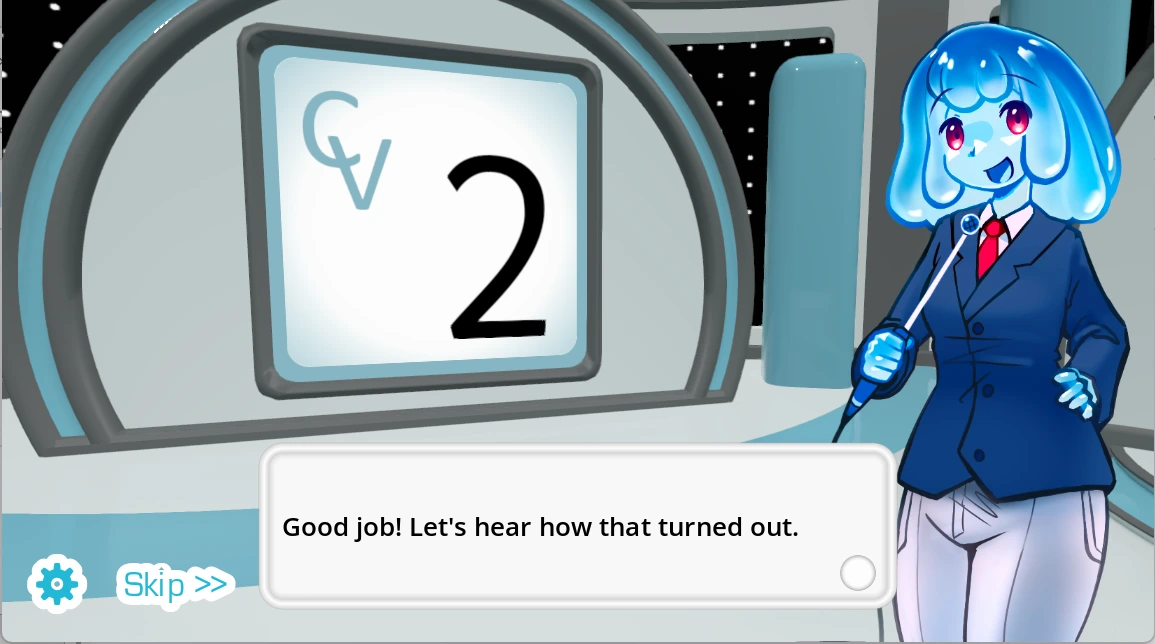
The game-show studio creates tension through pauses, pace, pitch movement, emphasis, and attitude creating the shape a performance needs to follow. It is not horror, yet the microphone produces a recognizable kind of vulnerability: the room becomes quiet, a prompt finishes, and somebody must decide whether to imitate timidly or commit to a voice. The screen can supply a host, judges, stage, and score, but it cannot provide confidence on the player's behalf. That gap is where the comedy lives. A performance becomes memorable when the player chooses an intention and lets the line carry it rather than hiding behind volume or speed.
A calm first-round response is to name the two strongest vocal cues before speaking. Use the mouse to prepare the mode and content, then approve microphone access when the browser asks. Verify the selected input with an ordinary sentence before loading the complete session. Listen once without speaking and separate the prompt into words, rhythm, pitch direction, pauses, emphasis, and attitude. Choose two cues, perform at a comfortable distance, and breathe before reviewing the result. On the next take, alter one cue only. This keeps the round readable and protects the throat from panic-driven shouting.
When a take fails, preserve the parts that felt controlled and investigate the first point where the signal or intention disappeared. This Survive Min edition values recovery over embarrassment. The developer describes the project as early access with limited built-in content and known microphone compatibility reports, so silence or an odd result may belong to the audio chain. Test before a group arrives, use pack recordings you are entitled to use, and gain consent around captured voices. Local multiplayer and streamer features are available concepts, but the developer states that online multiplayer does not currently exist.
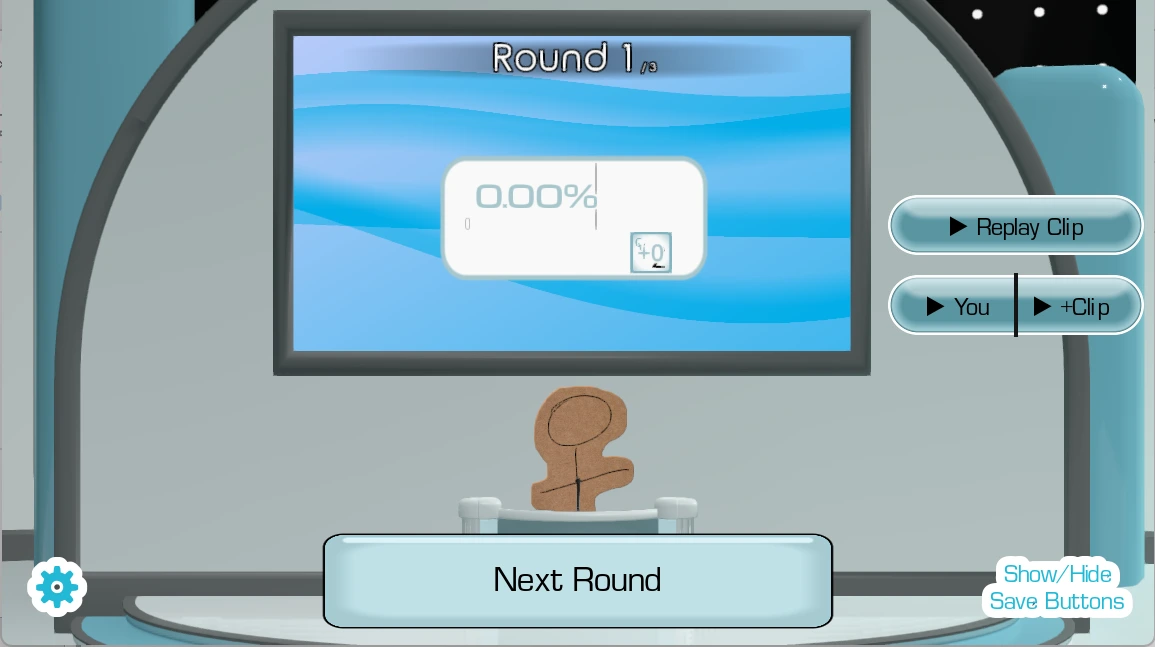
The game-show studio creates tension through clear intention reading better than panic, clipping, echo, or repeated shouting. It is not horror, yet the microphone produces a recognizable kind of vulnerability: the room becomes quiet, a prompt finishes, and somebody must decide whether to imitate timidly or commit to a voice. The screen can supply a host, judges, stage, and score, but it cannot provide confidence on the player's behalf. That gap is where the comedy lives. A performance becomes memorable when the player chooses an intention and lets the line carry it rather than hiding behind volume or speed.
A calm first-round response is to keep a steady distance and conversational loudness. Use the mouse to prepare the mode and content, then approve microphone access when the browser asks. Verify the selected input with an ordinary sentence before loading the complete session. Listen once without speaking and separate the prompt into words, rhythm, pitch direction, pauses, emphasis, and attitude. Choose two cues, perform at a comfortable distance, and breathe before reviewing the result. On the next take, alter one cue only. This keeps the round readable and protects the throat from panic-driven shouting.
When a take succeeds, preserve its timing and ask whether a different emotional color can remain equally clear. This Survive Min edition values recovery over embarrassment. The developer describes the project as early access with limited built-in content and known microphone compatibility reports, so silence or an odd result may belong to the audio chain. Test before a group arrives, use pack recordings you are entitled to use, and gain consent around captured voices. Local multiplayer and streamer features are available concepts, but the developer states that online multiplayer does not currently exist.
The game-show studio creates tension through computer reactions adding pressure and comedy without becoming a complete measure of human performance. It is not horror, yet the microphone produces a recognizable kind of vulnerability: the room becomes quiet, a prompt finishes, and somebody must decide whether to imitate timidly or commit to a voice. The screen can supply a host, judges, stage, and score, but it cannot provide confidence on the player's behalf. That gap is where the comedy lives. A performance becomes memorable when the player chooses an intention and lets the line carry it rather than hiding behind volume or speed.
A calm first-round response is to compare your own takes rather than your worth. Use the mouse to prepare the mode and content, then approve microphone access when the browser asks. Verify the selected input with an ordinary sentence before loading the complete session. Listen once without speaking and separate the prompt into words, rhythm, pitch direction, pauses, emphasis, and attitude. Choose two cues, perform at a comfortable distance, and breathe before reviewing the result. On the next take, alter one cue only. This keeps the round readable and protects the throat from panic-driven shouting.
When a take fails, preserve the parts that felt controlled and investigate the first point where the signal or intention disappeared. This Survive Min edition values recovery over embarrassment. The developer describes the project as early access with limited built-in content and known microphone compatibility reports, so silence or an odd result may belong to the audio chain. Test before a group arrives, use pack recordings you are entitled to use, and gain consent around captured voices. Local multiplayer and streamer features are available concepts, but the developer states that online multiplayer does not currently exist.
The game-show studio creates tension through up to four local players sharing devices, noise, attention, embarrassment, and recorded sound. It is not horror, yet the microphone produces a recognizable kind of vulnerability: the room becomes quiet, a prompt finishes, and somebody must decide whether to imitate timidly or commit to a voice. The screen can supply a host, judges, stage, and score, but it cannot provide confidence on the player's behalf. That gap is where the comedy lives. A performance becomes memorable when the player chooses an intention and lets the line carry it rather than hiding behind volume or speed.
A calm first-round response is to assign microphones, agree on turns, and respect consent. Use the mouse to prepare the mode and content, then approve microphone access when the browser asks. Verify the selected input with an ordinary sentence before loading the complete session. Listen once without speaking and separate the prompt into words, rhythm, pitch direction, pauses, emphasis, and attitude. Choose two cues, perform at a comfortable distance, and breathe before reviewing the result. On the next take, alter one cue only. This keeps the round readable and protects the throat from panic-driven shouting.
When a take succeeds, preserve its timing and ask whether a different emotional color can remain equally clear. This Survive Min edition values recovery over embarrassment. The developer describes the project as early access with limited built-in content and known microphone compatibility reports, so silence or an odd result may belong to the audio chain. Test before a group arrives, use pack recordings you are entitled to use, and gain consent around captured voices. Local multiplayer and streamer features are available concepts, but the developer states that online multiplayer does not currently exist.
The game-show studio creates tension through voiceover over a scene demanding sustained timing and character continuity instead of one short imitation. It is not horror, yet the microphone produces a recognizable kind of vulnerability: the room becomes quiet, a prompt finishes, and somebody must decide whether to imitate timidly or commit to a voice. The screen can supply a host, judges, stage, and score, but it cannot provide confidence on the player's behalf. That gap is where the comedy lives. A performance becomes memorable when the player chooses an intention and lets the line carry it rather than hiding behind volume or speed.
A calm first-round response is to test a brief clip before attempting a long performance. Use the mouse to prepare the mode and content, then approve microphone access when the browser asks. Verify the selected input with an ordinary sentence before loading the complete session. Listen once without speaking and separate the prompt into words, rhythm, pitch direction, pauses, emphasis, and attitude. Choose two cues, perform at a comfortable distance, and breathe before reviewing the result. On the next take, alter one cue only. This keeps the round readable and protects the throat from panic-driven shouting.
When a take fails, preserve the parts that felt controlled and investigate the first point where the signal or intention disappeared. This Survive Min edition values recovery over embarrassment. The developer describes the project as early access with limited built-in content and known microphone compatibility reports, so silence or an odd result may belong to the audio chain. Test before a group arrives, use pack recordings you are entitled to use, and gain consent around captured voices. Local multiplayer and streamer features are available concepts, but the developer states that online multiplayer does not currently exist.
The game-show studio creates tension through known compatibility reports making technical patience more useful than louder repetition. It is not horror, yet the microphone produces a recognizable kind of vulnerability: the room becomes quiet, a prompt finishes, and somebody must decide whether to imitate timidly or commit to a voice. The screen can supply a host, judges, stage, and score, but it cannot provide confidence on the player's behalf. That gap is where the comedy lives. A performance becomes memorable when the player chooses an intention and lets the line carry it rather than hiding behind volume or speed.
A calm first-round response is to check permission, device selection, browser focus, stereo output, and competing apps. Use the mouse to prepare the mode and content, then approve microphone access when the browser asks. Verify the selected input with an ordinary sentence before loading the complete session. Listen once without speaking and separate the prompt into words, rhythm, pitch direction, pauses, emphasis, and attitude. Choose two cues, perform at a comfortable distance, and breathe before reviewing the result. On the next take, alter one cue only. This keeps the round readable and protects the throat from panic-driven shouting.
When a take succeeds, preserve its timing and ask whether a different emotional color can remain equally clear. This Survive Min edition values recovery over embarrassment. The developer describes the project as early access with limited built-in content and known microphone compatibility reports, so silence or an odd result may belong to the audio chain. Test before a group arrives, use pack recordings you are entitled to use, and gain consent around captured voices. Local multiplayer and streamer features are available concepts, but the developer states that online multiplayer does not currently exist.
→The Choicer Voicer is a microphone-focused party game where players perform vocal impressions in customizable game-show formats.
→Use the mouse to choose content, allow microphone access, verify the input, listen to the prompt, and perform at comfortable volume.
→The voice recording is the central gameplay input, so the embedded frame requires explicit permission.
→Check site and system permissions, the selected input device, other recording apps, player focus, and a simple stereo setup.
→It is a collection of audio prompts. Begin with familiar material and include only recordings you created, licensed, or have permission to use.
→The published project description lists simple local multiplayer for up to four players.
→Dub Mode lets players record voiceover performances over scenes, with timing and sustained delivery replacing a short judged imitation.
→The developer states that online multiplayer is not currently available.
→Use judging as comedy and comparative feedback; it is not a perfect assessment of acting talent.
→Avoid shouting, keep sessions short, drink water, maintain a comfortable mic distance, and stop if your voice feels strained.